

Optimisez votre Etsy
Images du produit
Affichez, modifiez et supprimez les données EXIF de vos photos de produits Etsy. Ajoutez des mots-clés et des titres IPTC pour améliorer la visibilité sur la recherche Etsy et Google Images.
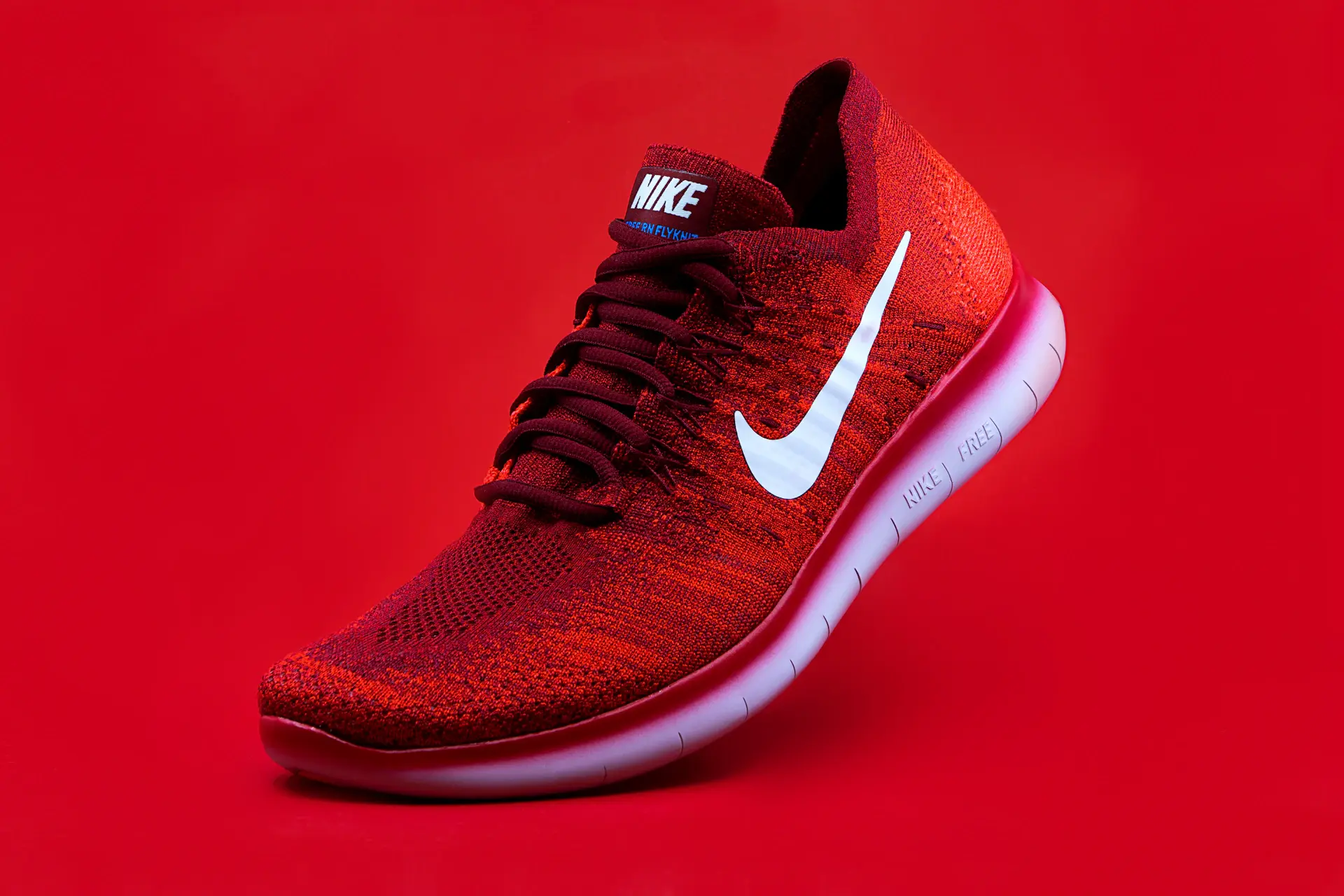
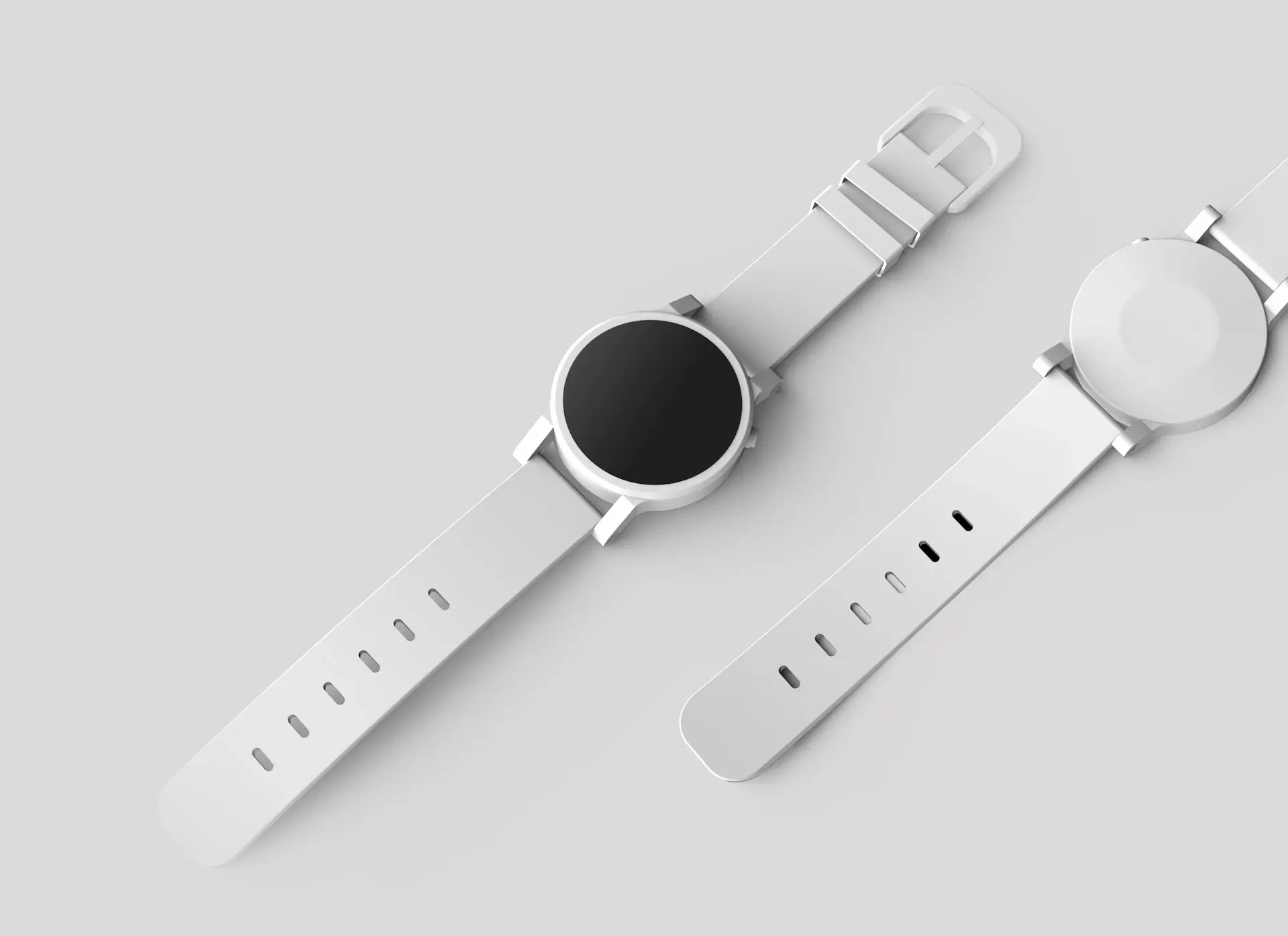
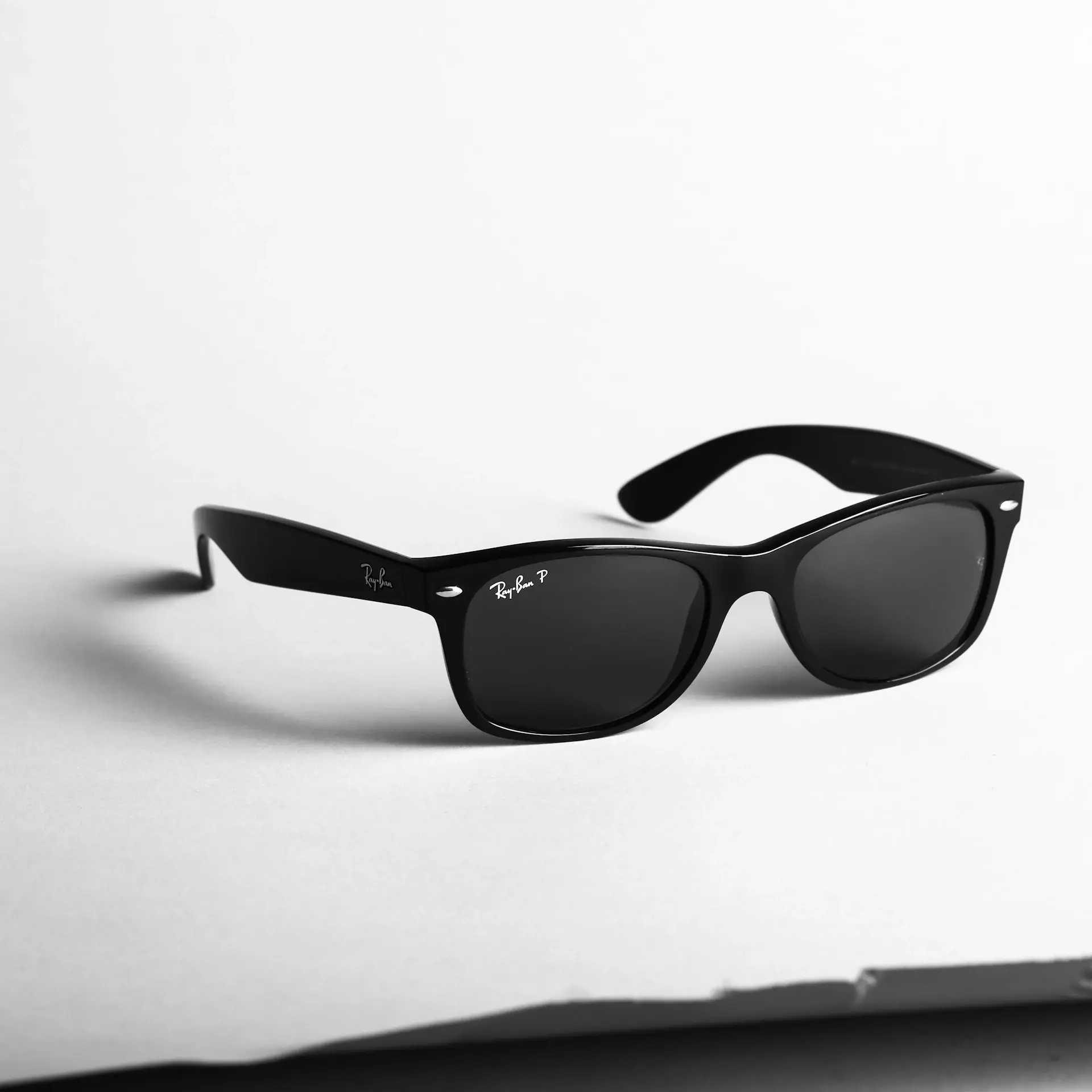



Vos ventes Etsy dépendent de métadonnées d'image optimisées
L'algorithme de recherche d'Etsy affiche les listes en fonction des titres, des balises et des descriptions, mais Google Images récupère directement vos métadonnées IPTC. Lorsqu'un acheteur recherche « portefeuille en cuir fait main » sur Google, les images contenant des mots-clés IPTC correspondants se classent au-dessus de celles qui n'en contiennent pas. Plus de trafic Google signifie plus de ventes Etsy.
Localisation GPS
Coordonnées exactes du lieu où la photo a été prise
Date et heure
Quand l'image a été capturée
Informations sur la caméra
Marque, modèle et paramètres de l'appareil
Techniques de données
ISO, ouverture, vitesse d'obturation

Images Etsy Outils de métadonnées pour les vendeurs
Tout ce dont vous avez besoin pour afficher, modifier et supprimer les données EXIF de vos photos de produits Etsy.
Visionneuse EXIF
Affichez toutes les métadonnées intégrées : GPS, appareil photo, date/heure, etc.
Suppresseur EXIF
Supprimez le GPS et les données privées pour protéger la confidentialité de votre localisation.
Injecteur IPTC
Ajoutez des métadonnées riches en mots clés pour un meilleur classement Google Images.
Métadonnées en lot pour toute votre boutiqueÉvitez le travail manuel — ajoutez nom de boutique, mots-clés et copyright avant l'upload.
Commencer Etsy gratuitement →
Quelles métadonnées sont importantes pour les photos de produits Etsy ?
Etsy ne lit pas directement l'IPTC, contrairement à Google Images. L'intégration de mots-clés IPTC dans vos photos de produits signifie qu'ils apparaissent dans les recherches d'images Google, générant ainsi un trafic organique directement vers votre fiche Etsy.
Champs IPTC à remplir pour chaque photo de produit Etsy
Ces champs IPTC sont indexés par Google Images. Les remplir correctement génère du trafic organique gratuit vers votre boutique Etsy.
Remplissez les six champs IPTC en une passeUtilisez le modèle Etsy pour générer titres, descriptions, mots-clés et copyright.
Commencer Etsy gratuitement →Étape par étape : intégrez les métadonnées dans les photos de produits Etsy avec Exif Injector
Photographiez vos produits
Photographiez sur un arrière-plan propre avec une lumière naturelle. Utilisez votre smartphone ou un reflex numérique. Etsy recommande au moins 2 000 px sur le côté le plus court. Prenez plusieurs angles : photos de visage, de côté, de détail et de style de vie.
Ouvrir l'injecteur Exif
Accédez à Exif Injector et passez en mode Inject. Téléchargez toutes les photos de produits pour une liste en même temps : le traitement par lots vous permet de mot-clé une séance photo entière en une seule session.
Ajouter des métadonnées IPTC
Écrivez votre titre, votre description et vos mots-clés. Mettez en miroir les balises de votre liste Etsy dans le champ Mots-clés. Utilisez l'IA d'Exif Injector pour générer des mots-clés axés sur l'acheteur en fonction du contenu visuel de chaque image.
Supprimez le GPS si nécessaire
Si vous photographiez des produits à la maison, utilisez EXIF Remover d'Exif Injector pour supprimer les coordonnées GPS avant de les télécharger. Protégez votre adresse personnelle contre l'intégration dans les photos de vos produits.
Téléchargez et téléchargez sur Etsy
Téléchargez les images enrichies en métadonnées et téléchargez-les sur votre liste Etsy. Google Images explorera les métadonnées IPTC et fera apparaître vos produits dans les recherches d'images – un trafic organique gratuit vers votre boutique.
Prêt à préparer vos photos de fiche ?Le modèle Etsy préremplit boutique, mots-clés et copyright pour chaque image.
Commencer Etsy gratuitement →Stratégie de mots clés pour les métadonnées des images de produits Etsy
Etsy vous propose 13 balises par annonce. Les mots clés IPTC n'ont pas de limite : utilisez-les pour couvrir tous les angles qu'un acheteur pourrait rechercher :
Type de produit
Quel est l'article, en particulier.
Matériel
De quoi il est fait – les acheteurs filtrent par matériau.
Fait à la main et artisanal
Termes qui signalent une qualité adaptée à Etsy.
Occasion de cadeau
Les recherches de cadeaux sont énormes sur Etsy : ciblez-les.
Attributs visuels
Couleurs, style et esthétique.
Publique
Pour qui c'est.
Générez des mots-clés Etsy avec l'IAL'IA crée des mots-clés IPTC adaptés à vos fiches en quelques secondes.
Commencer Etsy gratuitement →Questions fréquemment posées
Guides associés
Commencez à optimiser vos photos de produits Etsy dès aujourd'hui
Injectez des mots-clés IPTC dans les images de vos produits. Générez du trafic Google Images vers votre boutique Etsy. Utilisation gratuite, aucun compte requis.