
Location
GPS latitude, longitude, and altitude can expose where a photo was taken.

Foundations
4 guides
Privacy & editing
7 guides
SEO workflows
3 guides
E-commerce
10 platforms
CMS
7 platforms
Stock Photography
8 platforms
Search & SEO
1 platforms
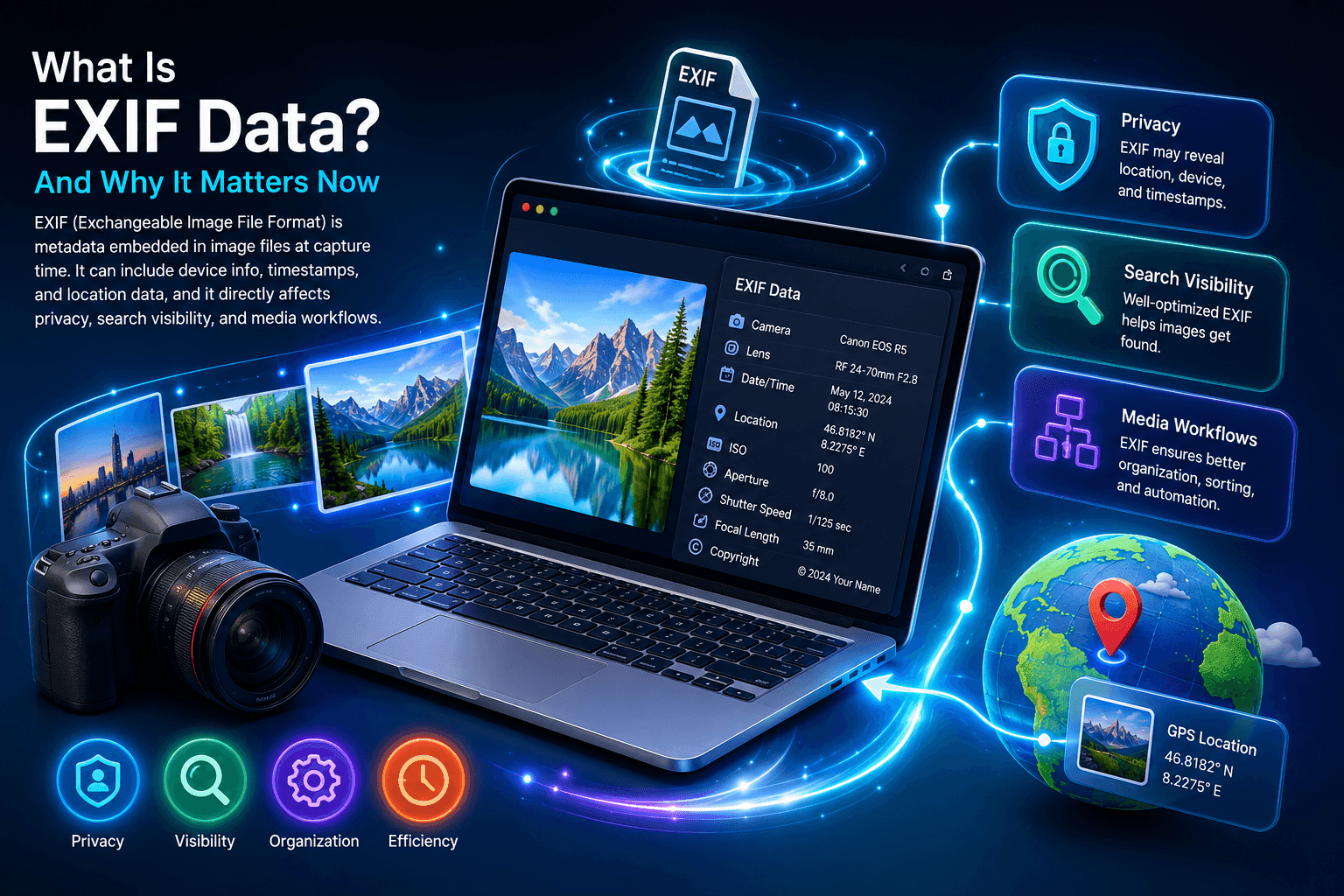
EXIF (Exchangeable Image File Format) is metadata embedded in image files at capture time. It can include device info, timestamps, and location data, and it directly affects privacy, search visibility, and media workflows.
Built for creators, SEO teams, photographers, and ecommerce brands that need a practical EXIF viewer, EXIF remover, and EXIF editor workflow in one place.
Metadata Fields
These fields are commonly found across camera and smartphone images.
Field reference
How to read this
Use an EXIF viewer or EXIF data reader to audit these fields before publishing. If you see GPS fields, run an EXIF remover. If titles/keywords are missing, use an EXIF editor plus IPTC/XMP metadata to improve search context.
GPS latitude, longitude, and altitude can expose where a photo was taken.
Camera make/model and software can reveal your hardware stack and workflow.
DateTimeOriginal and timezone fields can reveal routine behavior patterns.

Privacy Risk Layer
Most people only see the image, not the metadata payload inside it. A standard exif data viewer, exif reader online, or metadata exif viewer can still extract location, device, and timestamp fields in seconds.
Showcase Carousel
A quick visual pattern you can reuse in page showcases and carousels.
 No metadata
 Tagged
Platforms using metadata signals
EXIF Viewer Guide
If you want to check EXIF data quickly, the easiest option is an online EXIF viewer. A good exif data viewer or exif information viewer shows camera model, timestamp, and exif data location in one screen. This is the fastest way to view exif data online without installing an app.
For desktop users, you can still use native tools, but a dedicated exif data reader online is usually clearer. On Windows, many people search for strip exif data windows 11 or how to check exif data because built-in details are limited. On macOS, exif tools for mac and exif editor mac queries are common for deeper control.
Mobile users often search exif metadata app for iphone, exif viewer app, or how to see exif data. If you need complete tags instead of a basic summary, an image exif viewer or online exif reader gives a more complete output.

EXIF Remover Guide
Privacy-focused users search remove exif data, clear exif, erase exif data, and exif delete online for a reason. Hidden exif data can include where and when a photo was taken. If you share original files, anyone with an exif reader can inspect those values.
To protect your data, use an exif remover or exif wiper workflow: upload image, review fields, then remove exif metadata before download. This is useful when you need to remove exif data from photo batches, remove photo exif data for client delivery, or scrub exif data before posting on forums and marketplaces.
You can either delete all metadata or keep non-sensitive fields. Many users prefer a partial clean: keep technical camera info, remove GPS and identifiers. That approach helps if you want better privacy without losing every exif tag.
EXIF Editor Guide
Sometimes you do not want to delete metadata; you want to improve it. In that case, use an exif editor, photo exif editor, or exif data editor to modify exif data fields for publishing and organization. This is common for creators targeting image SEO and stock submissions.
Typical edits include exif date changer updates, copyright cleanup, and keyword consistency. Queries like change exif data, modify exif, and edit exif data are often tied to better discoverability in search and cleaner asset libraries.
If your goal is ranking, combine exif metadata with IPTC and XMP fields instead of relying on one layer. That helps bridge metadata vs exif confusion and gives search engines stronger context about each image.

FAQ
Quick answers about EXIF, privacy, and metadata standards.
Next Step
Start with a paid-plan EXIF data viewer scan, remove sensitive metadata, then use AI-assisted editing to standardize EXIF, IPTC, and XMP across your image library.