

Optimize Your Amazon
Product Images
View, edit, and remove EXIF data from your Amazon product photos. Add IPTC keywords to strengthen your A9 ranking and Google Shopping visibility.
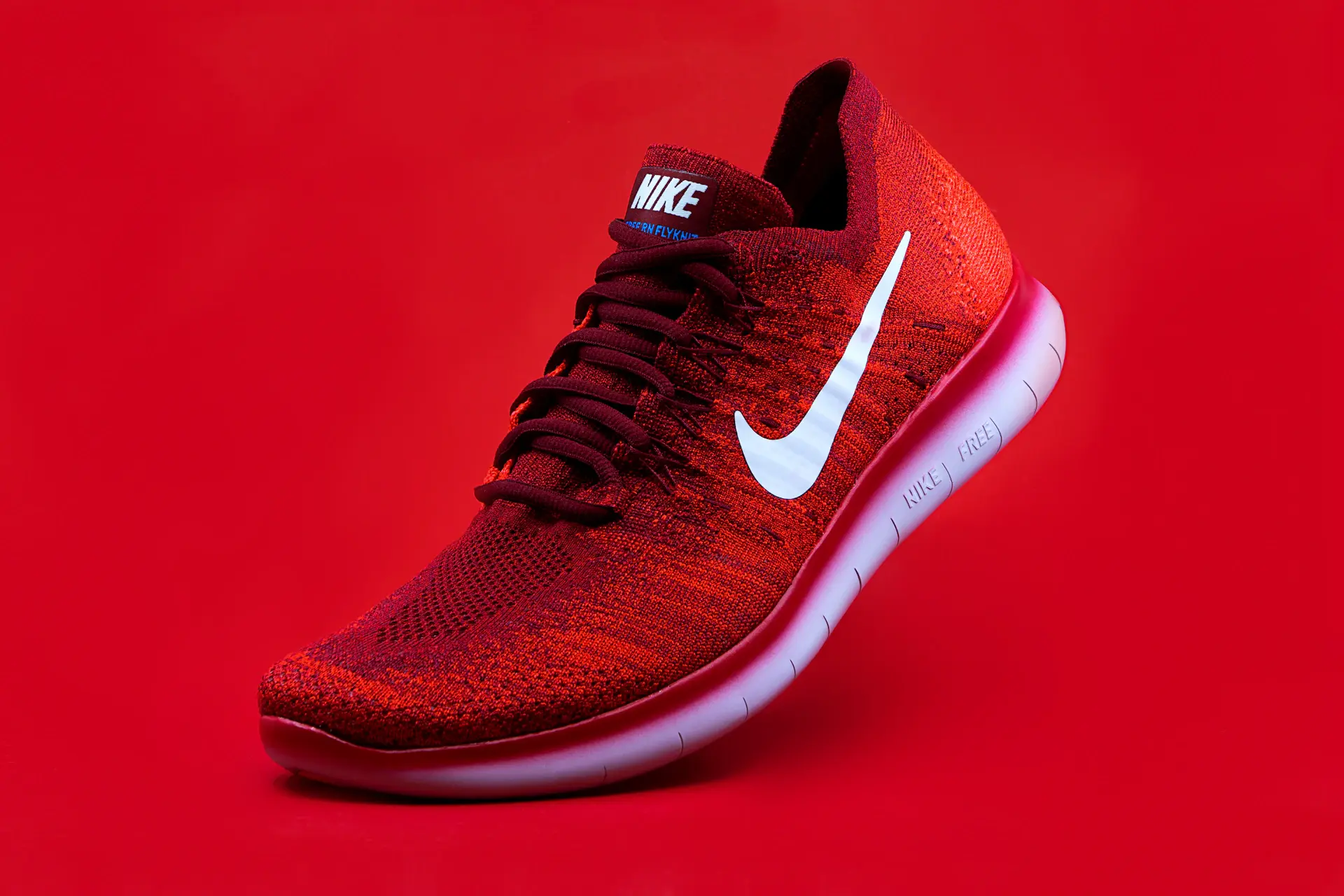







EXIF data is hidden inside your Amazon product photos
Every product photo you upload to Amazon Seller Central contains EXIF data embedded in the file. This metadata includes GPS coordinates, camera model, date/time, ISO, aperture, and more. For Amazon sellers, this is both a privacy concern — your home or warehouse address may be embedded — and an optimization opportunity. Amazon's A9 algorithm uses every available signal to rank listings, and embedded image metadata provides supplementary data about your product.
GPS Location
Exact coordinates where photo was taken
Date & Time
When the image was captured
Camera Info
Device make, model, and settings
Technical Data
ISO, aperture, shutter speed
Amazon EXIF Tools for Sellers
Everything you need to view, edit, and remove EXIF data from your Amazon product images.
EXIF Viewer
View all embedded metadata — GPS, camera, date/time, and more.
EXIF Remover
Strip GPS and private data to protect your location privacy.
IPTC Injector
Add keyword-rich metadata for better Google Images ranking.
Batch metadata for your whole catalogAdd brand name, product keywords and copyright to all listing photos before Seller Central upload.
Start Amazon free →What's hidden in your Amazon product images?
When you upload product photos to Amazon Seller Central, the A9 algorithm processes every signal it can find. Anyone who downloads your product image from the listing can view the embedded metadata.
IPTC fields to fill in for every Amazon product image
These six fields provide the most SEO and attribution value for Amazon sellers. All of them can be written in seconds with Exif Injector.
Fill all six IPTC fields in one passUse the Amazon product template to generate titles, descriptions, keywords and copyright metadata.
Start Amazon free →Step-by-step: embed metadata in Amazon photos with Exif Injector
Prepare your product photos
Follow Amazon's image requirements: JPEG format, white background for main image, minimum 1000px on longest side for zoom. Edit in Lightroom, Photoshop, or Canva.
Open Exif Injector
Go to Exif Injector and switch to Inject mode. Upload your product images — process your main image, lifestyle shots, and infographics together.
Fill in the IPTC fields
Complete the ObjectName (title), Caption-Abstract (description), Keywords, Creator, and Copyright fields. Mirror your Amazon backend keywords and bullet point terms.
Remove GPS data
If your product photos were taken at your home studio, clear the GPS/location tags. This prevents your personal address from being embedded in publicly downloadable product images.
Download and upload to Seller Central
Download the metadata-enriched images and upload them through Amazon Seller Central. The embedded IPTC data travels with the file and provides additional signals to the A9 algorithm and Google Shopping.
Ready to prepare your product photos?The Amazon template pre-fills brand details, keywords and copyright for every image.
Start Amazon free →Keyword strategy for Amazon image metadata
The best IPTC keywords for Amazon product images should mirror backend search terms and customer search queries. Think in layers:
Product type
The core category and product name. Always include this.
Features & specs
Technical features that buyers filter by.
Use case & audience
How and who uses the product.
Comparison terms
Terms buyers use when comparing products.
Color & variant
Amazon filters heavily by color and variant.
Brand name
Reinforce your brand for branded search queries.
Generate Amazon keywords with AILet AI build A9-friendly IPTC keywords from your product context in seconds.
Start Amazon free →Frequently asked questions
Related guides
Start optimizing your Amazon product photos today
View, edit, and remove EXIF data from your Amazon images. Free to use, no account required.