

Optimize Your Shopify
Store Images
View, edit, and remove EXIF data from your Shopify product photos. Embed IPTC keywords for better Google Shopping ranking and image SEO.
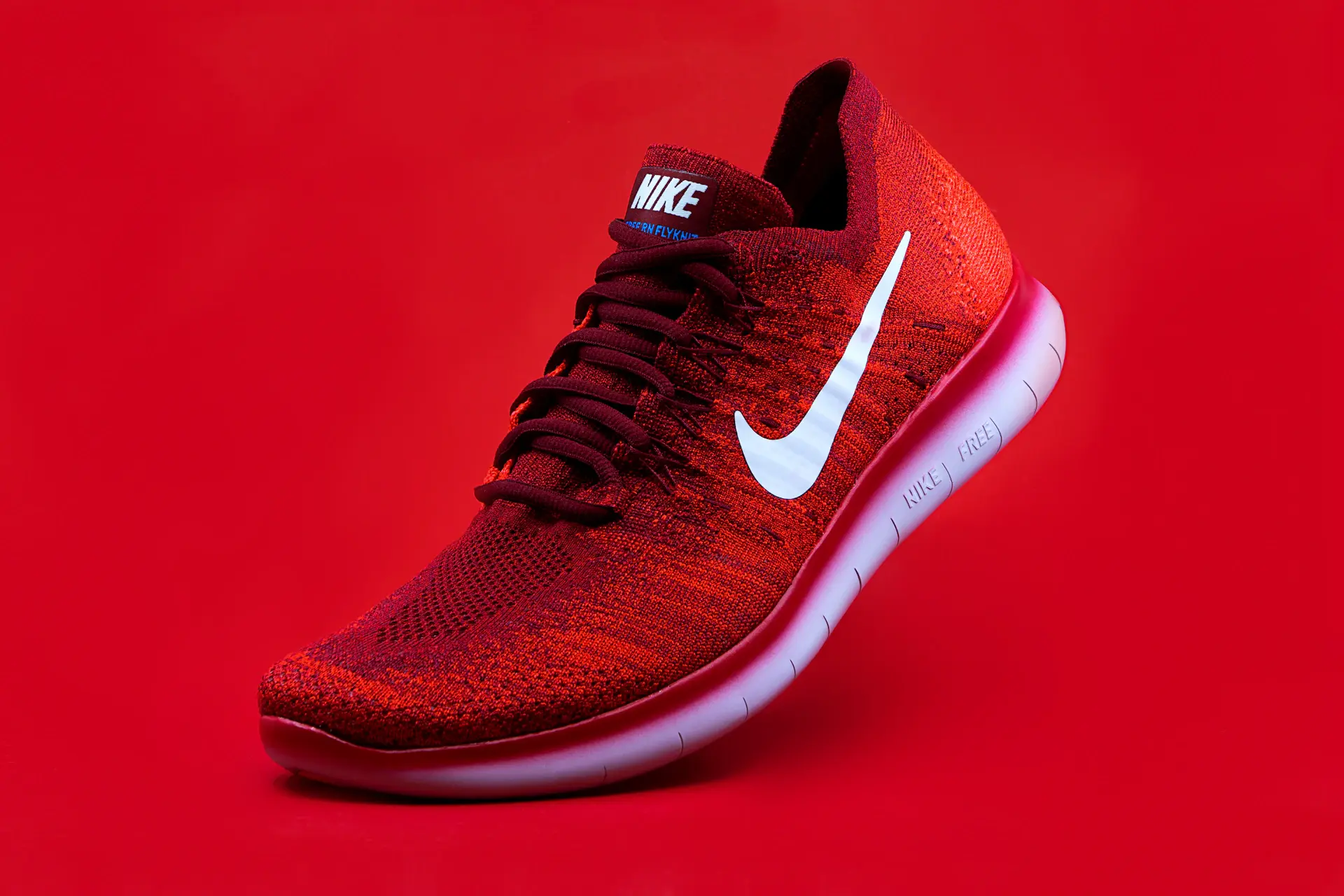
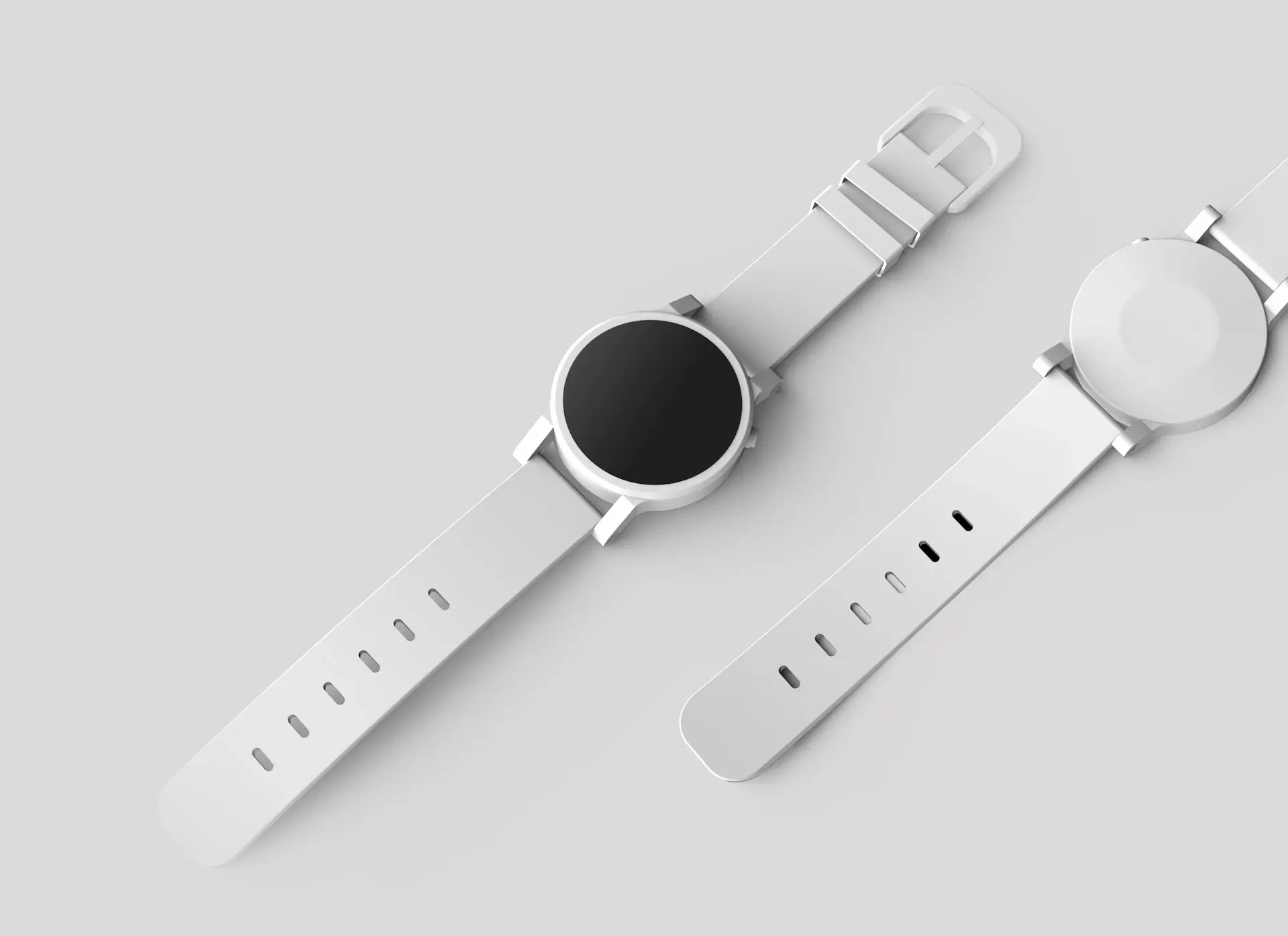
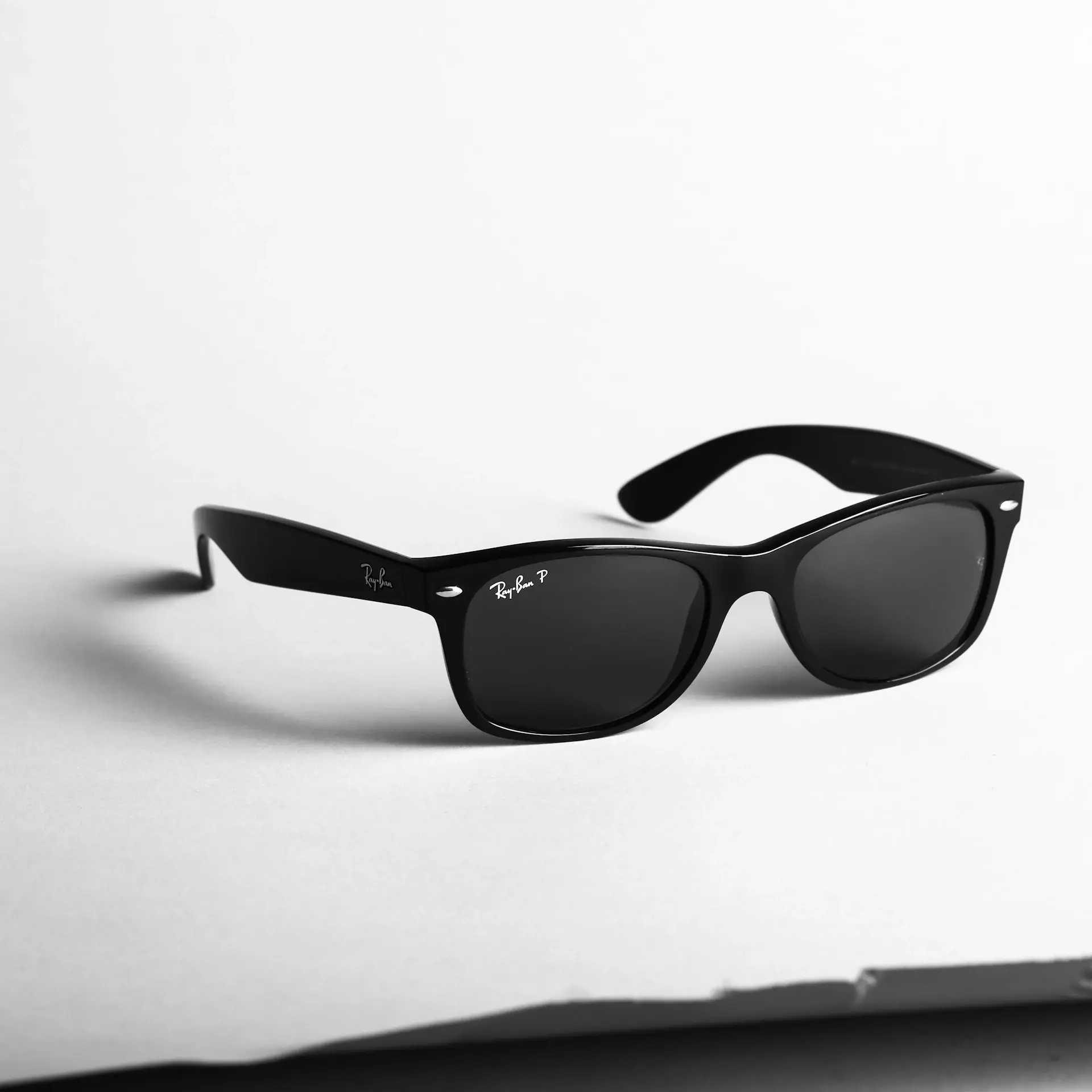


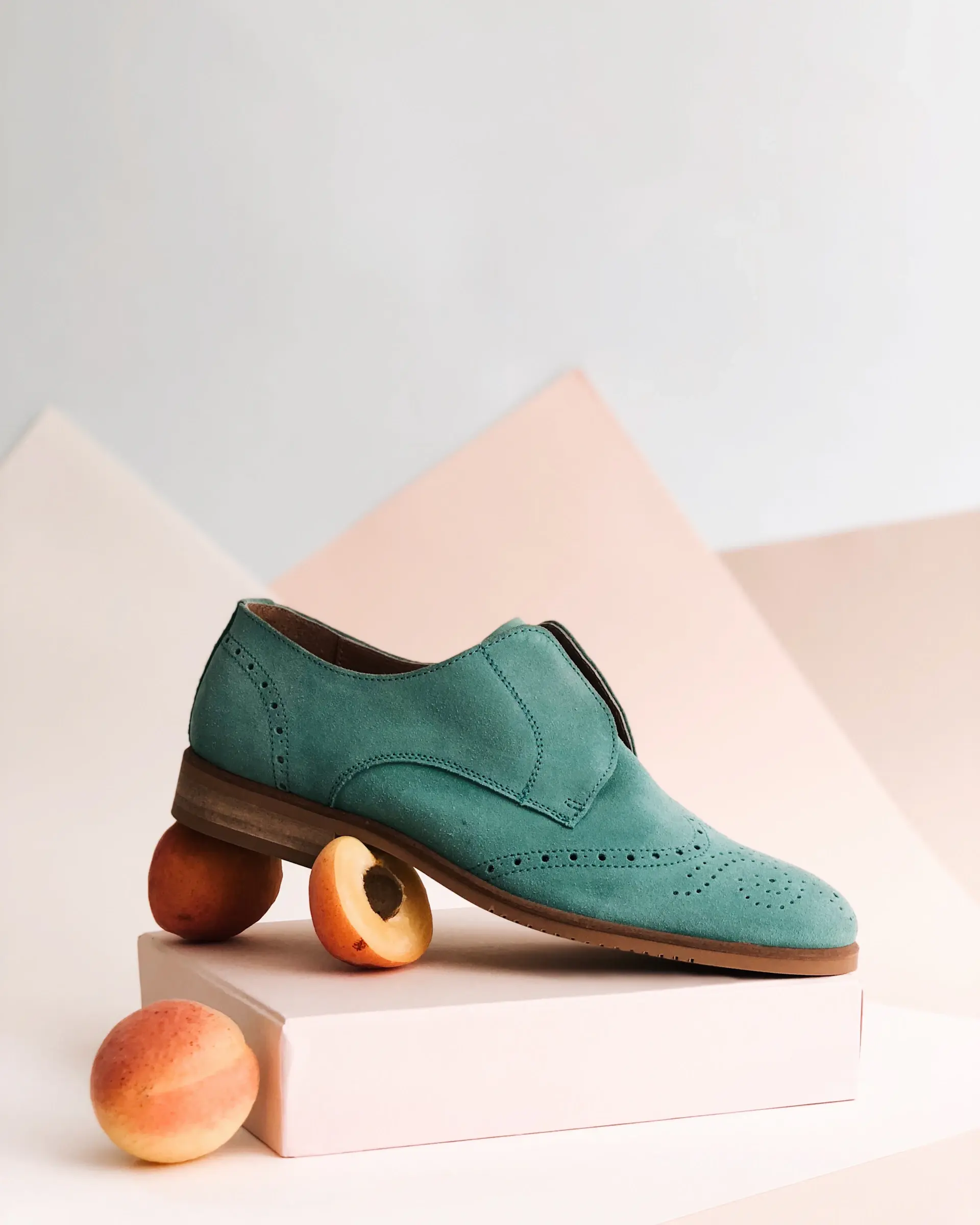


EXIF data is hidden inside your Shopify product photos
Every product photo you upload to your Shopify store contains EXIF (Exchangeable Image File Format) data embedded in the file. This metadata includes GPS coordinates, camera model, date/time, ISO, aperture, and more. For Shopify sellers, this matters in two ways — privacy risk if your home address is embedded in photos taken at your studio, and SEO opportunity because Google crawls your Shopify images directly and reads embedded metadata.
GPS Location
Exact coordinates where photo was taken
Date & Time
When the image was captured
Camera Info
Device make, model, and settings
Technical Data
ISO, aperture, shutter speed
Shopify EXIF Tools for Store Owners
Everything you need to view, edit, and remove EXIF data from your Shopify product images.
EXIF Viewer
View all embedded metadata — GPS, camera, date/time, and more.
EXIF Remover
Strip GPS and private data to protect your location privacy.
IPTC Injector
Add keyword-rich metadata for better Google Images ranking.
Batch metadata for your whole catalogSkip the manual work — add store name, keywords and copyright to all product photos before upload.
Start Shopify free →
What's hidden in your Shopify product images?
When you upload product photos to Shopify, Google's crawler reads both your page content and the image files themselves. Anyone who right-clicks and downloads your product image can view this information.
IPTC fields to fill in for every Shopify product image
These six fields provide the most SEO and attribution value for Shopify store owners. All of them can be written in seconds with Exif Injector.
Fill all six IPTC fields in one passUse the Shopify product template to generate titles, descriptions, keywords and copyright metadata.
Start Shopify free →Step-by-step: embed metadata in Shopify photos with Exif Injector
Export your product photos
Edit your Shopify product photos in Lightroom, Photoshop, or Canva and export as JPEG at full resolution. Keep file sizes under 1 MB for fast page load. Shopify recommends 2048 x 2048px square images.
Open Exif Injector
Go to Exif Injector and switch to Inject mode. Upload your product image — you can process multiple images at once by selecting several files.
Fill in the IPTC fields
Complete the ObjectName (title), Caption-Abstract (description), Keywords, Creator, and Copyright fields. Use your primary Shopify product keywords and Google Shopping search terms.
Remove GPS data
If your photos were taken on a smartphone at your home or warehouse, clear the GPS/location tags. You do not want your home address embedded in publicly accessible product images.
Download and upload to Shopify
Download the metadata-enriched images and upload them to your Shopify product listings. The embedded IPTC data travels with the file and is readable by Google's image crawlers and Google Shopping.
Ready to prepare your product photos?The Shopify template pre-fills store details, keywords and copyright for every image.
Start Shopify free →Keyword strategy for Shopify image metadata
The best IPTC keywords for Shopify product images mirror what shoppers type into Google and Google Shopping. Think in layers:
Product type
The core noun: t-shirt, candle, tote bag, poster, jewelry.
Material & details
What it's made of differentiates you from mass-market.
Style & aesthetic
Shopify buyers search by vibe and trend.
Occasion & use case
Gift-intent and seasonal searches convert well.
Color & size
Google Shopping filters by these — embed them for visibility.
Brand name
Include your store name for branded search visibility.
Generate Shopify keywords with AILet AI build product-aware IPTC keywords from your catalog in seconds.
Start Shopify free →Frequently asked questions
Related guides
Start optimizing your Shopify product photos today
View, edit, and remove EXIF data from your Shopify images. Free to use, no account required.